Office Lighting Controls in Plano & DFW: Sensors, Daylight Dimming, Networked Systems & How to Choose a Control Partner
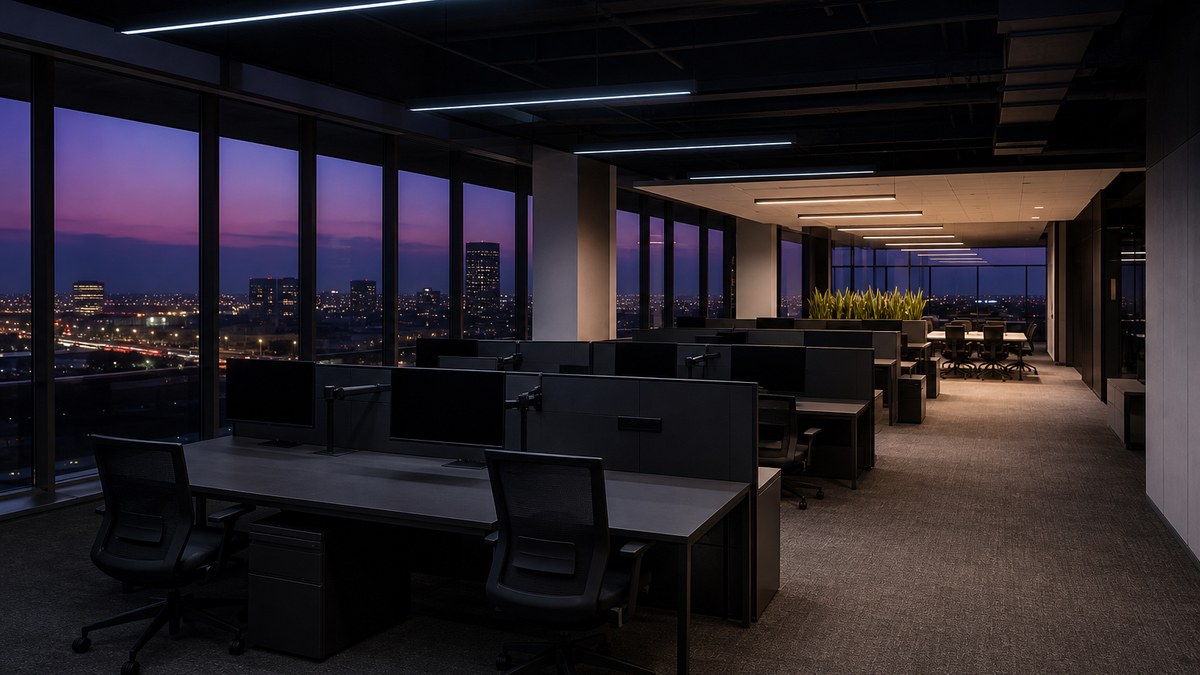
Office lighting controls in Plano and across DFW decide whether a new LED system simply replaces old lamps or actually runs the building well. Sensors, daylight dimming, schedules and networked systems turn lights off in empty rooms, soften them near sunny windows, keep corridors and stairwells safe, and let a facility team manage an entire floor or campus from one place. For office owners, property managers and tenants around Legacy, Granite Park, Downtown Plano and the wider Collin County market, controls are now as important as the fixtures themselves.
This guide explains how office lighting controls work, which strategies fit open offices, private offices, conference areas, corridors, lobbies and parking garages, how wired, wireless and networked systems compare, what energy codes typically expect, and how to choose a lighting control company that will design, install, program and support the system. If you are planning a single conference room, our meeting and conference room lighting guide goes deeper on scenes and video calls. This article looks at the whole office.
Office lighting controls are the sensors, switches, dimmers, schedules and software that decide when, where and how bright LED lights run. A well-designed office system combines several strategies:
- Occupancy and vacancy sensors: lights turn off automatically when a space is empty
- Daylight harvesting: fixtures near windows and skylights dim when daylight is sufficient
- Scheduling: building-wide on/off and setback times for common areas, lobbies and exteriors
- High-end trim and task tuning: each zone set to the light level it actually needs
- Personal and scene control: local dimming for private offices, conference and training rooms
- Networked control: central scheduling, monitoring, fault reporting and easy reprogramming
- Pricing: quote-only, a project-specific proposal after a walkthrough
What office lighting controls actually do
A lighting control system answers four questions for every fixture in a building: should it be on, how bright should it be, who can change it, and how does anyone know if it fails. Older offices answered those questions with wall switches and a time clock in an electrical room. That approach leaves lights burning in empty offices on weekends, glare at sunny desks, and no record of which fixtures have stopped working.
Modern controls work alongside LED fixtures, which dim smoothly and switch instantly without the lamp-life penalties of older fluorescent systems. That combination lets an office:
- Use light only where people are: sensors switch or dim zones based on real occupancy.
- Balance daylight and electric light: perimeter fixtures respond to the sun instead of running at full output all day.
- Match light levels to tasks: open workspaces, corridors and storage do not all need the same brightness.
- Simplify management: one schedule or one software dashboard instead of dozens of switches and clocks.
- Support comfort and productivity: local dimming and scenes give people control over their own space.
- Meet energy code expectations: many commercial codes require automatic shutoff and other controls on new work and major alterations.
The core control strategies for offices
Most office projects layer several strategies. Each one has a job, and the best results come from combining them carefully rather than adding sensors everywhere.
Occupancy sensing
Occupancy sensors turn lights on when someone enters and off after a set time without activity. They suit corridors, restrooms, copy rooms, break rooms, storage and stairwells, where people come and go and nobody wants to look for a switch. Passive infrared (PIR) sensors detect body heat and movement in line of sight. Ultrasonic and microphonic sensors detect smaller motions and sounds, which helps in rooms with partitions or people sitting still at desks. Dual-technology sensors combine methods to reduce false-offs.
Vacancy sensing (manual-on, auto-off)
Vacancy sensors require a person to press a switch to turn lights on, then turn them off automatically when the room empties. In private offices, small conference rooms and spaces with good daylight, manual-on often saves more energy because the lights never come on when daylight is already enough. It also avoids lights snapping on every time someone walks past an open door.
Daylight harvesting (daylight-responsive control)
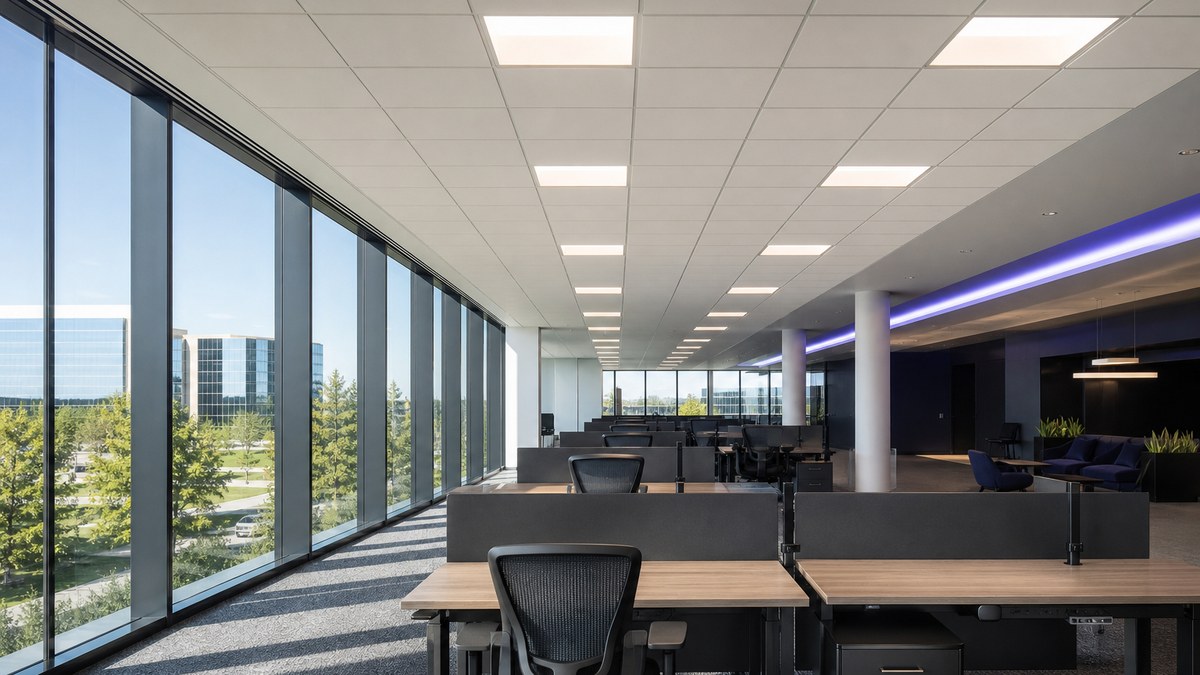
Photosensors measure light near windows or skylights and dim the fixtures in the daylight zone when the sun provides enough light. In Plano offices with large glass curtain walls, perimeter zones can spend long stretches of the day at reduced output. Good design separates the primary daylight zone nearest the glass from deeper zones, sets dimming to change slowly so people do not notice, and pairs controls with blinds or shades to manage glare.
Time scheduling
Schedules handle predictable patterns: lobbies and common areas on before the workday, setback in the evening, exterior and garage lighting tied to sunset and sunrise with an astronomical clock. Schedules work best combined with sensors and override switches so a late meeting is never left in the dark.
High-end trim and task tuning
New LED fixtures are often brighter than a space needs, especially in renovations where fixtures were selected for a one-for-one swap. High-end trim lowers the maximum output of each zone to the target light level. Task tuning adjusts individual fixtures or groups to the actual work being done. Both are set during commissioning and are invisible to occupants, which makes them one of the least disruptive control strategies.
Personal control and scenes
People are more comfortable when they can adjust their own lighting. Wall dimmers, keypads, wireless remotes and app-based controls let occupants dim private offices or select presets in shared rooms. Conference rooms, training rooms and executive spaces usually benefit from scenes such as presentation, video call, meeting and cleaning. Our conference room lighting guide covers those scenes in detail.
Demand response and load management
Networked systems can reduce lighting output across a building during peak demand events or in response to a building automation signal. Whether this matters depends on the building, utility programs and the owner's energy strategy, so it is best discussed during design rather than assumed.
| Office space | Typical control approach | Notes |
|---|---|---|
| Open office / workstations | Occupancy or vacancy zones, daylight dimming at the perimeter, high-end trim | Zone by area so one person does not light a whole floor |
| Private offices | Vacancy sensor with local dimmer | Manual-on works well where daylight is good |
| Conference and huddle rooms | Vacancy sensor, scene keypad, optional AV integration | Presets for presentations and video calls |
| Training rooms | Multi-zone dimming, front-of-room control, scenes | Separate zones near screens and whiteboards |
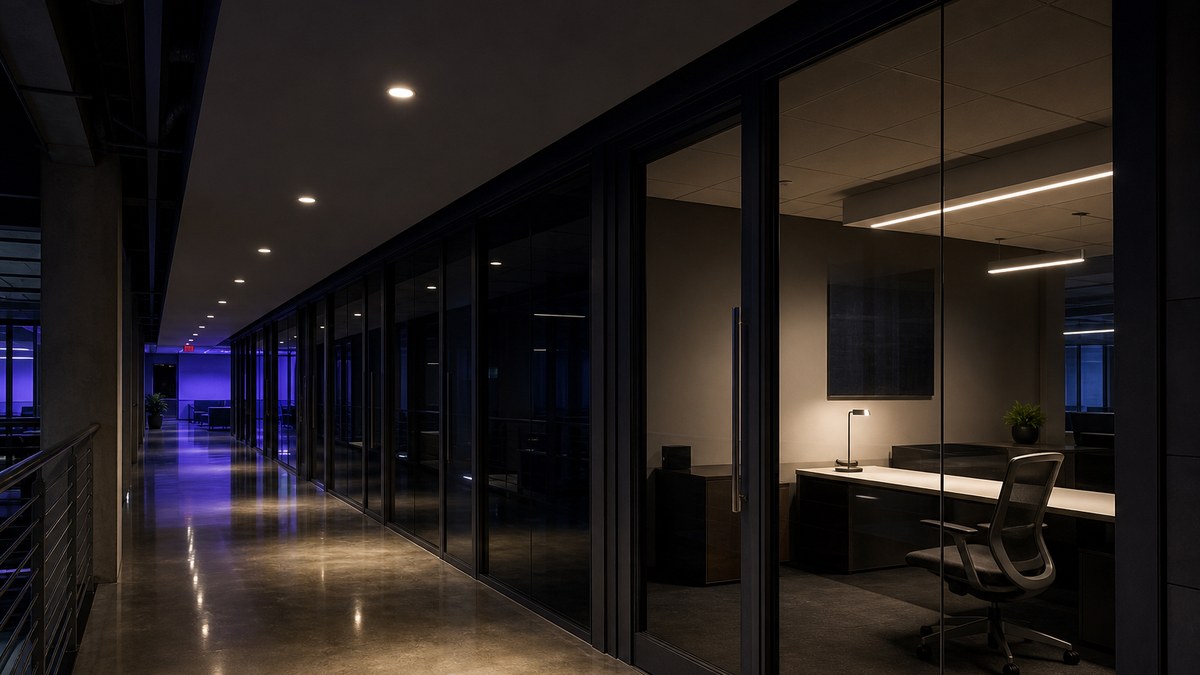
| Corridors and elevator lobbies | Scheduled with occupancy setback | Dim to a lower level rather than full off where safety requires |
| Restrooms, copy and break rooms | Occupancy sensors | Dual-technology sensors help behind partitions |
| Stairwells | Occupancy-based dimming with minimum level | Confirm life-safety and egress requirements |
| Main lobby and reception | Astronomical schedule, scenes, daylight response | Often the showcase space for tenants and visitors |
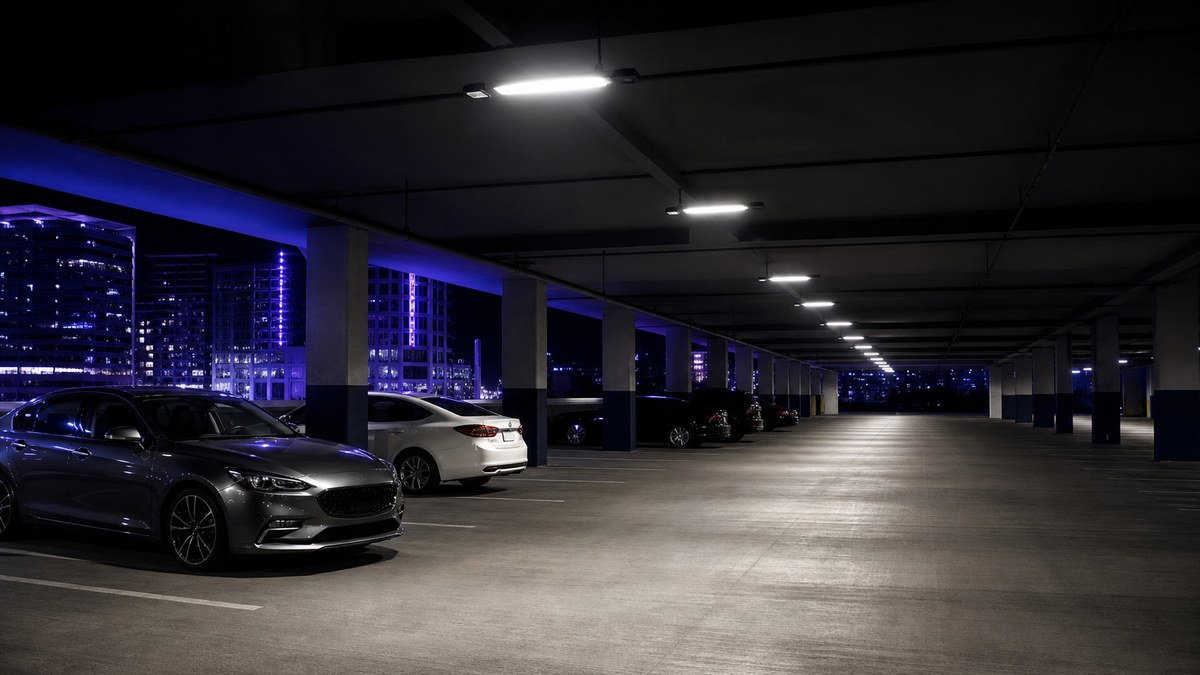
| Parking garage | Occupancy-based dimming per fixture or zone, daylight at openings | Keep minimum security light levels |
| Exterior and site | Photocell or astronomical clock, scheduled dimming after hours | Coordinate with security cameras |
Wired, wireless or networked: choosing the control architecture
Once the strategies are clear, the next decision is how devices talk to each other. There is no single right answer. The choice depends on the building's age, ceiling type, how often the layout changes, and how much monitoring the owner wants.
Standalone (room-based) controls
Each room has its own sensor and switch or dimmer, wired locally. This is simple and reliable, and it suits small offices or isolated rooms. The tradeoff is that there is no central view: changing schedules or finding failed devices means walking the building.
Wired networked controls
Devices connect over low-voltage control wiring to a central system. This is common in new construction and major renovations where ceilings are open and cable can be run easily. Wired systems offer stable communication and a clear record of every device, and they often integrate well with building automation.
Wireless networked controls
Wireless sensors, switches and fixture controllers communicate over a mesh network. Wireless is especially useful in retrofits of occupied Plano office buildings, because it avoids opening hard ceilings and running new control wire through finished spaces. Zones can be regrouped in software when a tenant reconfigures a floor, which suits multi-tenant buildings with frequent turnover.
Luminaire-level lighting control (LLLC)
With luminaire-level control, each fixture has its own integrated sensor and controller. Every fixture can respond to occupancy and daylight individually, and fixtures can be grouped and reprogrammed without rewiring. The DesignLights Consortium (DLC) maintains a qualified products list for networked lighting controls and publishes best-practice guidance, which is a useful reference when comparing systems.
Dimming protocols: 0-10V, DALI and digital
The fixture driver determines how dimming signals are received. 0-10V dimming is widespread and economical. DALI and other digital protocols address fixtures individually, report status and allow more precise control. Matching drivers, controllers and sensors from the start avoids the most common problems in office projects, such as flicker at low levels, uneven dimming between fixtures and zones that do not respond as expected.
| Architecture | Best fit | Strengths | Watch for |
|---|---|---|---|
| Standalone room controls | Small offices, isolated rooms | Simple, reliable, easy to understand | No central monitoring or remote changes |
| Wired networked | New construction, open ceilings | Stable communication, strong integration | More cabling, harder to change later |
| Wireless networked | Occupied retrofits, multi-tenant floors | Less ceiling work, easy regrouping | Careful network design and commissioning |
| Luminaire-level control | Open offices, flexible layouts | Fixture-by-fixture sensing and tuning | Fixture and system compatibility |
Ask any lighting control company who will hold the system's programming files, passwords and device map after the project. If that information lives only with an installer you can no longer reach, simple changes like a new schedule can become expensive service calls. We hand over documentation and credentials at closeout.
Energy codes and office lighting controls
Commercial energy codes increasingly treat controls as part of the lighting system, not an option. Requirements vary by code edition, space type and project scope, but codes commonly address:
- Local control: a manual control in each space so occupants can turn lights off.
- Automatic shutoff: occupancy sensors, vacancy sensors or time schedules that turn lights off when spaces are unoccupied.
- Light reduction: the ability to reduce lighting in a space below full output, often through dimming or multi-level switching.
- Daylight-responsive control: automatic control of fixtures in daylight zones near windows and skylights.
- Exterior controls: automatic shutoff during daylight and reduction after business hours.
- Functional testing: verifying that controls work as designed before the project is closed out.
Requirements depend on the code edition the City of Plano enforces and the scope of the work. A lighting retrofit that replaces a large share of fixtures in a space can trigger control requirements that a simple lamp swap would not. Confirm what applies during design, before fixtures are ordered. Our Plano commercial LED lighting guide covers the broader code and incentive picture.
Planning controls for your Plano office?
Tell us about your building or suite and we will follow up to schedule a walkthrough and a project-specific proposal.
Adding controls to an existing office
Most Plano and DFW offices are not new construction. They are occupied buildings with tenants who need to keep working. Adding controls to an existing office usually follows one of three paths:
- Controls only: keep existing LED fixtures and add sensors, dimmers and schedules. This works when fixtures are already dimmable and in good condition.
- Fixtures with integrated controls: replace older fluorescent or early LED fixtures with new fixtures that include sensors or wireless controllers. Our fixture replacement guide compares LED tubes, retrofit kits and new fixtures.
- Full system upgrade: new fixtures, networked controls and integration with building systems, often phased floor by floor during a tenant improvement or repositioning project.
Wireless controls and luminaire-level control make retrofits much less disruptive than they used to be. Work is typically scheduled after hours or by floor so tenants can stay in place, and each area is commissioned before moving on. Our commercial LED installation guide explains what a professional project looks like from walkthrough to closeout.
Integration with building systems and workplace tech
Lighting is rarely the only system in a modern office. Networked lighting controls can often share information with other building systems, depending on the products and the owner's goals:
- Building automation: lighting schedules and occupancy data shared with HVAC so empty areas are not heated and cooled at full levels.
- AV and conference systems: room controllers that set lighting scenes when a presentation or video call starts.
- Shades and blinds: coordinated daylight and glare control along glass facades.
- Space use insights: some systems report how often areas are occupied, which can inform hybrid-work planning.
- Emergency lighting: controlled emergency fixtures must still meet life-safety requirements, which needs careful design.
Integration adds value, but it also adds coordination with IT, security and other trades. Networked systems should be designed with the owner's IT policies in mind, including how the lighting network is separated from business networks and who has administrative access.
Commissioning: where control projects succeed or fail
Controls only work as well as they are set up. Many complaints about "lights turning off on me" or "the sensors don't work" come from poor commissioning, not bad equipment. A proper commissioning process includes:
- Sensor placement and aiming: sensors located to see the people they serve, not the corridor outside the door.
- Time-out settings: delays long enough to avoid false-offs, short enough to save energy.
- Daylight calibration: photosensors set at different times of day so dimming is smooth and accurate.
- High-end trim: maximum levels set by zone to the design targets.
- Scene programming: presets tested with the people who will use them.
- Functional testing and documentation: every zone checked, with as-built drawings, device maps and settings handed over.
- Training: facility staff shown how to change schedules, override zones and read fault reports.
We revisit settings after occupants have used the system, because real use always reveals small adjustments, such as a time-out that is too short in a quiet office or a daylight zone that dims too quickly.
Office lighting controls by building type
Class A towers around Legacy and Granite Park
Large glass office towers have deep floor plates, extensive curtain walls and demanding tenants. Networked controls with daylight zoning, luminaire-level sensing and integration with building automation are common goals, along with lobby and amenity lighting that showcases the building.
Suburban and multi-tenant office buildings
Two- to five-story office buildings across Plano, Richardson, Frisco, Allen and McKinney often have a mix of tenants and older fixtures. Wireless controls let owners upgrade common areas and vacant suites without disturbing occupied space, then extend the system as leases turn over.
Corporate campuses
Campuses add parking garages, exterior pathways, amenity buildings and sometimes data or lab spaces. A single control platform across buildings simplifies scheduling and monitoring, and site and garage lighting become a large part of the plan.
Small offices, medical and professional suites
Smaller offices often get the most value from straightforward room-based controls: vacancy sensors in offices, occupancy sensors in shared rooms and dimming in conference areas. Medical and dental suites add flicker-free, high-color-quality requirements in exam and treatment rooms.
Flex and office-warehouse space
Many Collin County businesses combine offices with warehouse or production space. High-bay fixtures with integrated occupancy sensing can dim aisles when nobody is there, while the office side follows typical office strategies.
What drives the cost of office lighting controls
Every building is different, so we price each project individually after a walkthrough. The main factors are:
- Scope: a single suite, a full floor, common areas, a whole building or a campus
- Control architecture: standalone, wired networked, wireless networked or luminaire-level
- Existing fixtures: whether current LED fixtures can be reused or need replacing
- Ceiling and access: lay-in grid, hard ceilings, high lobbies and garages
- Integration: building automation, AV, shades and IT coordination
- Occupancy: after-hours and phased work around tenants
- Commissioning and training: the depth of setup, testing and documentation
You receive a written, project-specific proposal before work begins. Commercial lighting upgrades in the Oncor service area may qualify for energy-efficiency incentive programs, depending on the project and current program availability; most programs require approval before work starts. For tax questions such as Section 179D, confirm with your tax advisor. For component sourcing, our network also includes wholesale LED components.
How to choose a lighting control company in Plano
A lighting control project touches design, electrical work, software and building operations. The right partner handles all of it and stays accountable afterward. Questions worth asking:
- Will you walk the building, including after-hours, and review how each space is actually used?
- Which control strategies do you recommend for each space type, and why?
- Wired, wireless or luminaire-level: what fits our ceilings, layout changes and tenants?
- Are the fixtures, drivers and controls tested together for smooth dimming without flicker?
- Which energy code requirements apply to our scope, and how will you document compliance?
- Who commissions the system, and will you return to fine-tune settings after occupancy?
- Who receives the programming files, device maps and administrative credentials?
- How will work be phased so tenants can keep working?
- What warranties do the specified products carry, and who handles service calls?
Plano LED Lights brings 15+ years as an authorized architectural lighting dealer and project coordinator. Our licensed installation partner has completed over 200 major sports and commercial projects across the US and Canada — NFL, NBA, NHL, MLS, NCAA and NASCAR. We handle design, supply, installation, programming and service with one accountable team. See our commercial lighting services, our service and maintenance options, or the Luminance design-build program for complete office transformations. For broader office upgrades, our business lighting services guide covers retrofits, controls and repair.
Frequently Asked Questions
What are office lighting controls?
What is the difference between occupancy and vacancy sensors?
What is daylight harvesting in an office?
Are networked lighting controls worth it for an office building?
Can lighting controls be added to an existing office without rewiring?
Do energy codes require lighting controls in Plano offices?
Why do office lights keep turning off while people are at their desks?
Can lighting controls connect to our building automation system?
How much do office lighting controls cost?
What areas do you serve for office lighting controls?
Make your office lighting work smarter
Request a consultation and we will follow up to schedule a walkthrough of your building or suite. Prefer to talk first? Schedule a meeting.
Related
Serving Plano and all of Collin County. Explore our services or contact our team. Our DFW lighting network: Dallas commercial LED lighting, Fort Worth LED lighting, Arlington LED lighting, Irving LED lighting, statewide Texas LED lighting, wholesale LED components, fiber optic starlight ceilings, 360° fiber optic lighting, premium pool lighting, modular building solutions, Dallas modular structures and American LED Signage for lobby and building signs.